

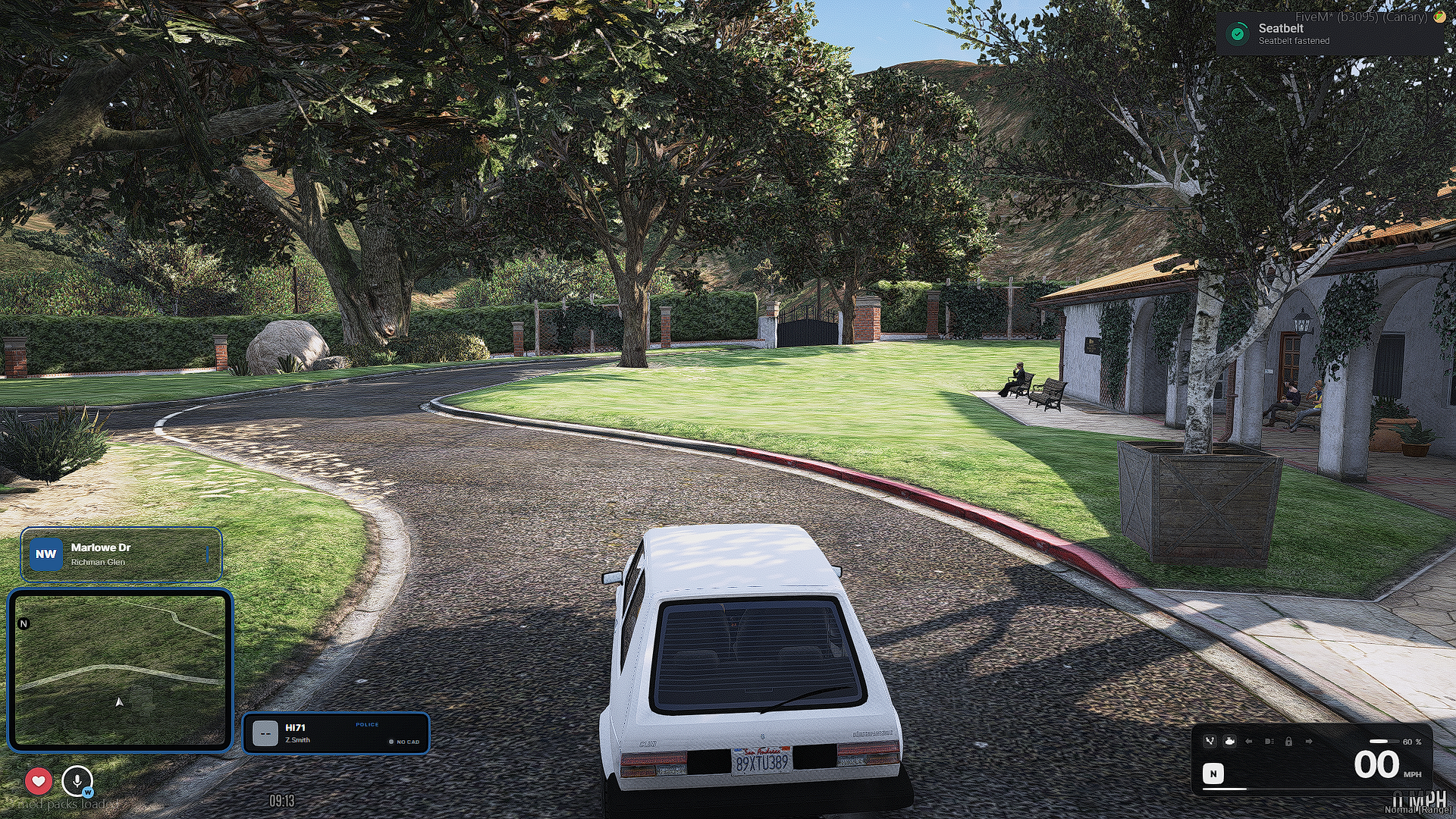
From realistic buckle sounds and warning chimes to crash ejection, cruise control, speed limiting and interactive vehicle controls, WS Belt gives drivers and passengers more control without overcomplicating the experience.
Features:
- Turn engine on and off
- Left and right indicators
- Hazard lights
- Vehicle locking and unlocking
- Individual door controls
- Bonnet and boot controls
- Individual window controls
- Driver and passenger interactions
- Integrated Fuel System
- Temporary Vehicle Keys
- Cruise Control and Speed Limiter
Default Controls
- B — Toggle seatbelt
- M — Toggle engine
- Left Arrow — Left indicator
- Right Arrow — Right indicator
- Backspace — Hazard lights
- L — Lock or unlock vehicle
- K — Speed limiter
- C — Cruise control
Available Commands
-
/seatbelt -
/vehicle -
/door 1-4 -
/door bonnet -
/door boot -
/door all -
/bonnet -
/boot -
/window 1-4 -
/window all -
/limiter -
/limiter 50 -
/limiter off -
/cruise -
/givekeys [server ID] -
/mydoor -
/mywindow -
/fuel -
/refuel
Developer Integration
WS Belt provides client and server exports for checking or changing:
- Player seatbelt state
- Replicated server-side seatbelt state
- Current vehicle fuel level
- Vehicle fuel values
This makes it easy for HUDs, emergency-service resources and other vehicle systems to integrate directly with WS Belt.
Requirements
- WS Framework
0.1.0or newer - ox_lib
- ox_target